
Appearance
Try Desktopr for Free
Download
The Desktopr Companion is the easiest way to try Desktopr and all of its desktop features for free, as much as you want, before generating a final build.
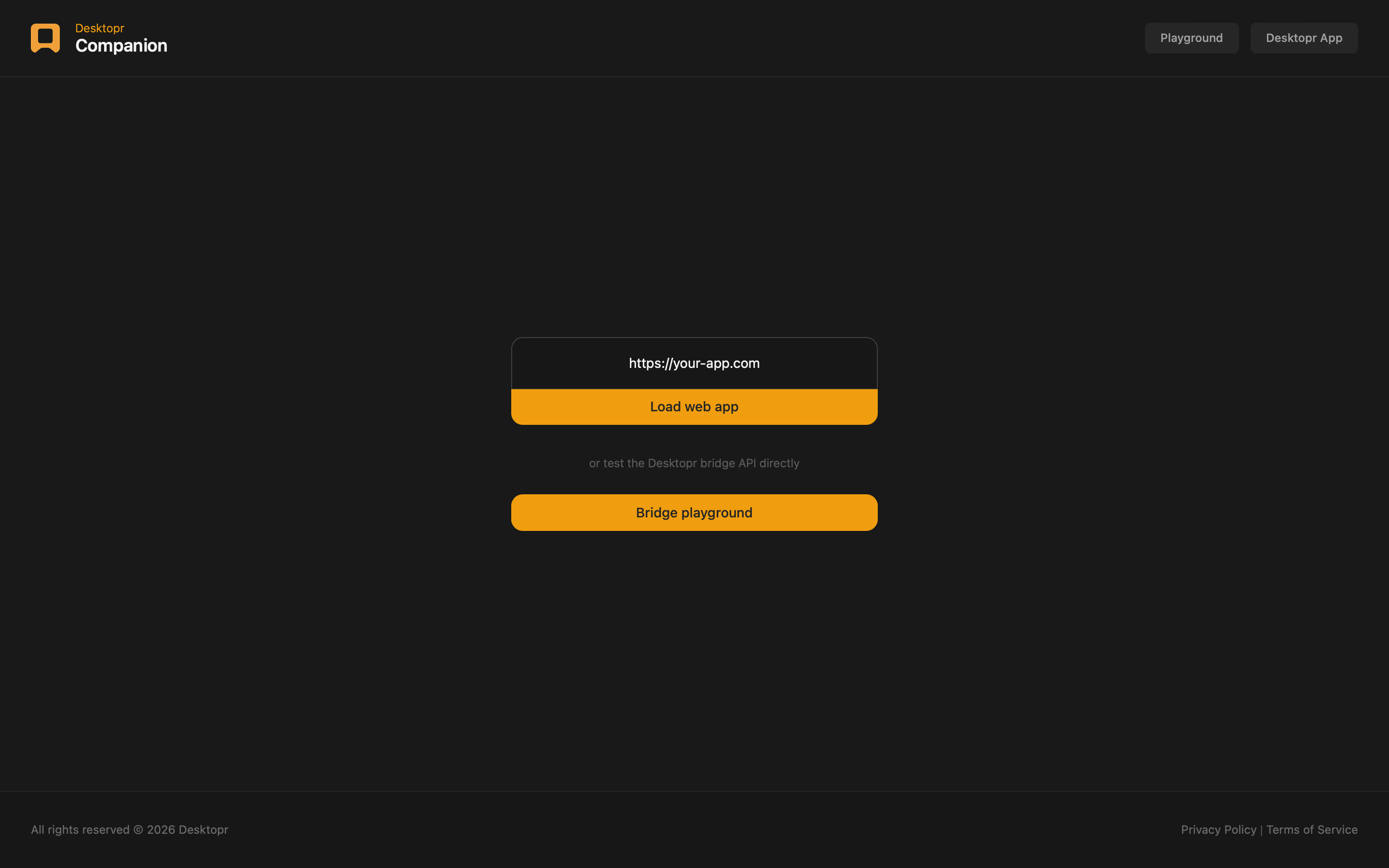
You can load your web app inside a real Desktopr-powered desktop environment or simply use the companion plaground to test the Bridge API directly. This allows to explore everything Desktopr can do before making an actual build, and without any limits while you experiment.
Download Companion →
What You Can Do
Companion is built to let you try Desktopr features with no cost and no restrictions:
- try every Desktopr desktop feature at no cost
- test as many times as you want, with no limits
- iterate freely on your app without consuming a build credit
- see exactly how your app behaves as a native desktop app before you commit
- or directly test the Desktopr features from the playground with our code snippets or custom code
This makes Companion the best way to get a real feel for Desktopr before producing anything.
Preview
IMPORTANT
You have to integrate the Desktopr Bridge API in your app in order to test Desktopr features.
If you want to test right away, without having load your app and integrate the bridge API in it, use the companion built-in Brdige Playground.
Test with your app
How It Works
Enter your web app URL and load it inside Companion. Your app then runs in a genuine Desktopr desktop environment, giving you a faithful preview of the final result, all for free and with no limit on how often you test.
Typical Workflow
A common workflow looks like this:
- Download and open Desktopr Companion.
- Enter your web app URL and load it.
- Explore Desktopr's desktop features with your app.
- Repeat as many times as you like, since testing is always free and unlimited.
- Create your final build once you are satisfied with the result.
Test with the Playground
How It Works
Companion also includes a built-in Playground, a hands-on space where you can try Desktopr's desktop features one by one and see the result instantly, without having to load your app and integrate the bridge API in it.
It is perfect when you want to:
- quickly try desktop features in isolation
- check that something is available and working
- experiment before wiring anything into your app
- get immediate feedback while you explore
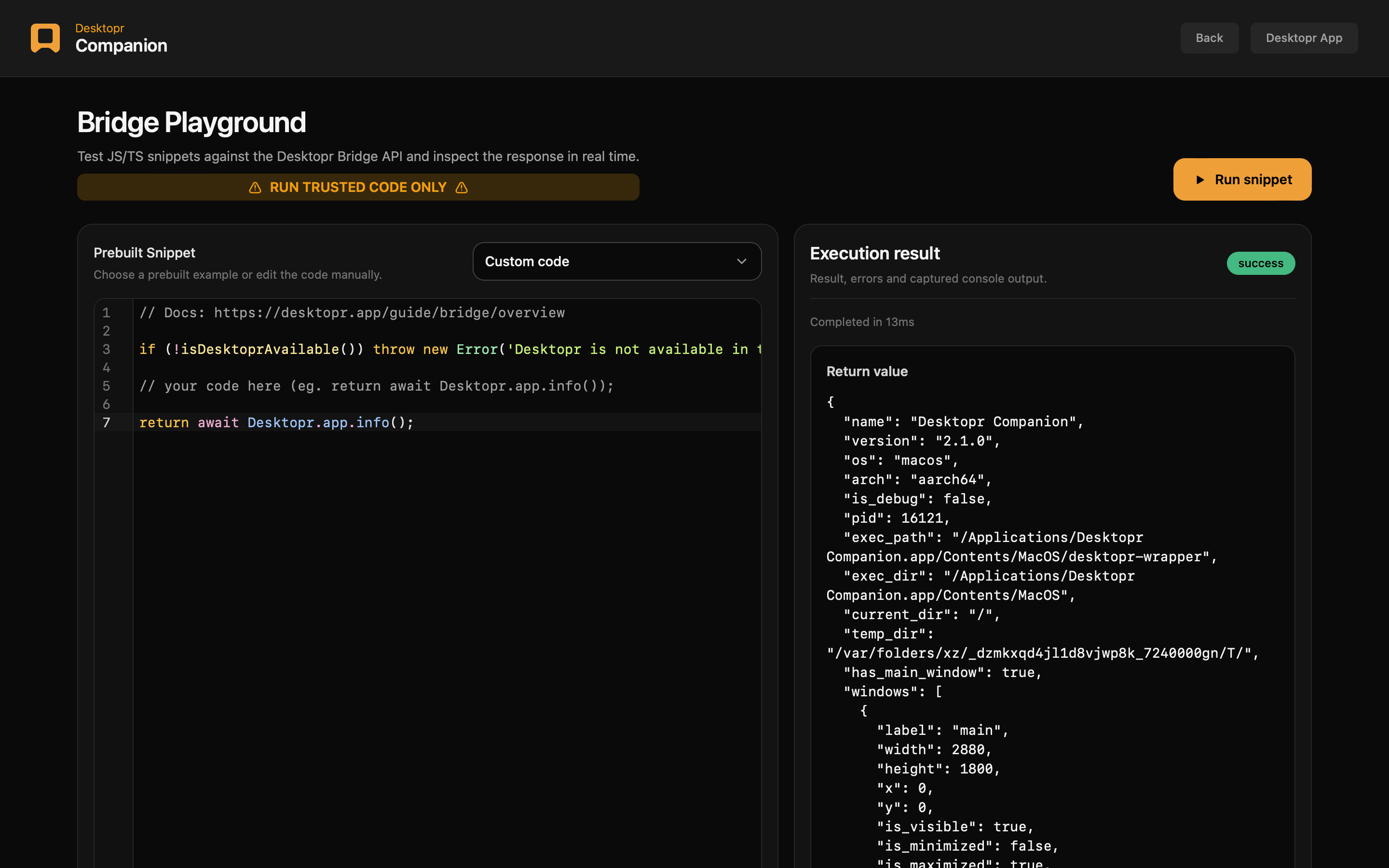
You can pick one of the ready-made snippets to get started right away, or write your own. For example:
ts
if (!isDesktoprAvailable()) {
  throw new Error('Desktopr is not available in this environment.');
}

return await Desktopr.app.info();
The screen is split into two simple areas: an editor where you write or pick a snippet, and a result panel where you immediately see what it returned, along with any errors or console output.
And just like the rest of Companion, the Playground is free to use as much as you want.
Playground preview
WARNING: ONLY RUN CODE YOU TRUST
Notes
WARNING
Testing your app in a normal browser is not the same as testing it inside Desktopr Companion, desktop features are only accessible in from a Desktopr generated app. Always check how your app behaves in Companion before shipping a build.
IMPORTANT
You have to integrate the Desktopr Bridge API in your app in order to test Desktopr features.
If you want to test right away, without having load your app and integrate the bridge API in it, use the companion built-in Brdige Playground.
Download Companion →